For payment services providers
JEK eReceipt integration
Connect your terminals and online checkout to JEK. Turn successful payments into digital receipts, returning customers and JeKoin rewards.
JEK eReceipt
Google Smart Tap

The customer journey
In store and online. Connected by JEK.
Turn the first payment into a lasting connection.
- 01
Pay and check the link
The customer taps a card or presents a payment QR. The gateway checks for a linked JEK account.
- 02
Invite them to collect
After a successful payment, show the receipt QR or the supported iPhone tap invitation. The customer opens JEK and verifies their phone.
- 03
Save the first e-receipt
Associate the completed transaction with the verified account. Future eligible linked payments deliver receipts automatically.
Phone-tap collection depends on certified terminal support. Keep receipt QR collection available on iPhone and Android; Google Wallet pass recognition is separate from tap-to-sign-up.
Integration handoff
Three systems. One connected purchase.
Terminal or hosted checkout
Initiate payment, show the returned receipt status and present the collection or view-receipt link.
Your payment gateway
Resolve the verified customer association and send confirmed transaction, merchant, amount, currency and receipt details to JEK.
JEK eReceipt
Verify the member, keep the receipt in their account and make it accessible in JEK with the eligible JeKoin reward.
Agree the contract with JEK
JEK supplies partner-specific API access, field mapping and callback requirements during onboarding. This journey overview is not a public API specification.
Certify before rollout
Test new and returning members, QR fallback, payment failures, duplicate callbacks and receipt access. Never match customers by card last four digits or a wallet identifier alone.
Compatible payment terminals
Start with the terminals your merchants already use
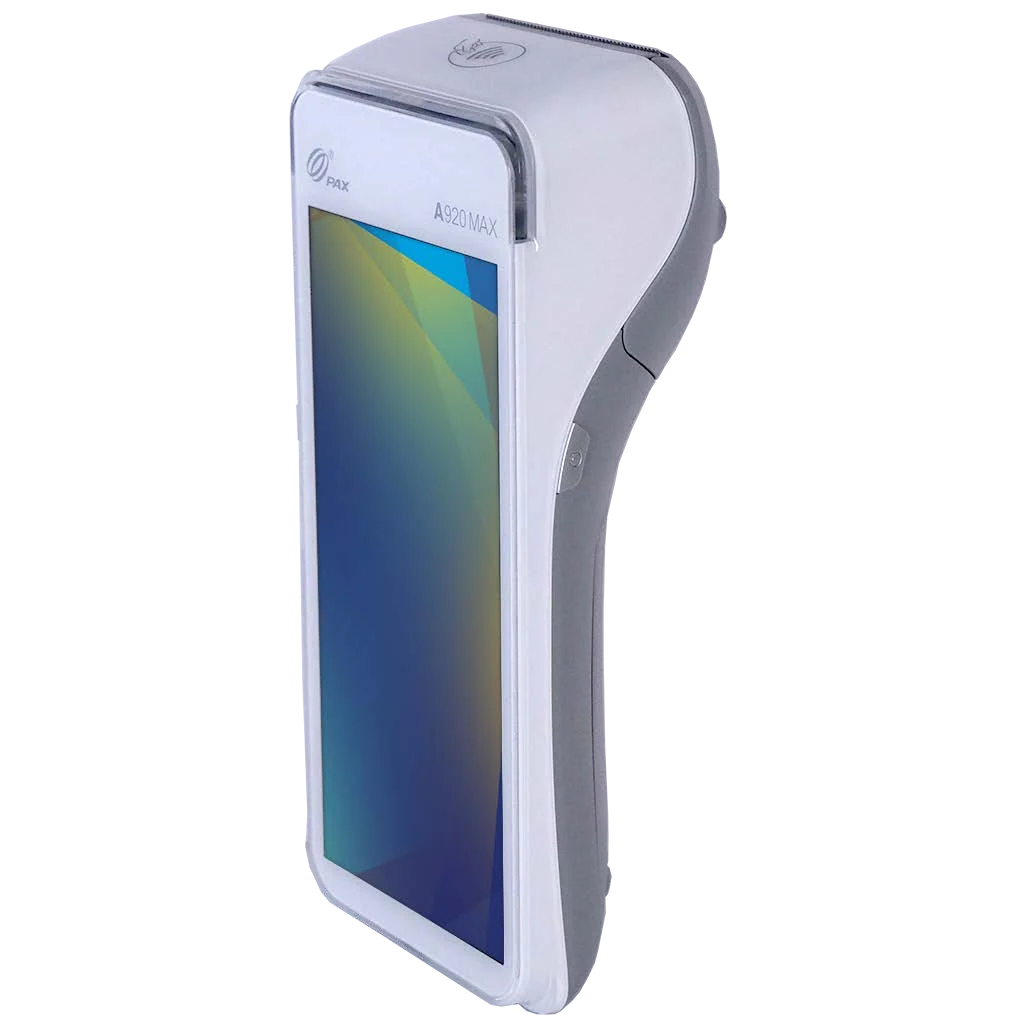
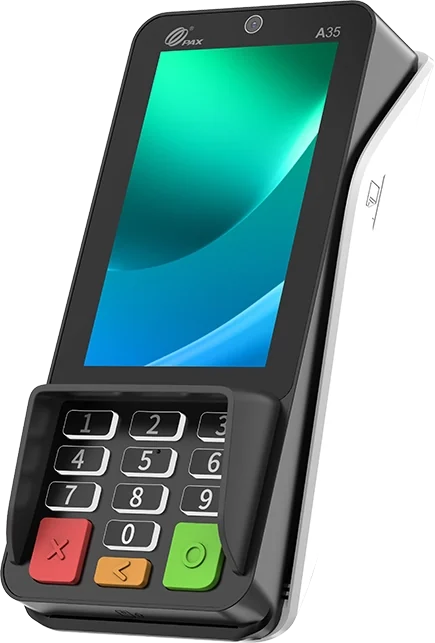
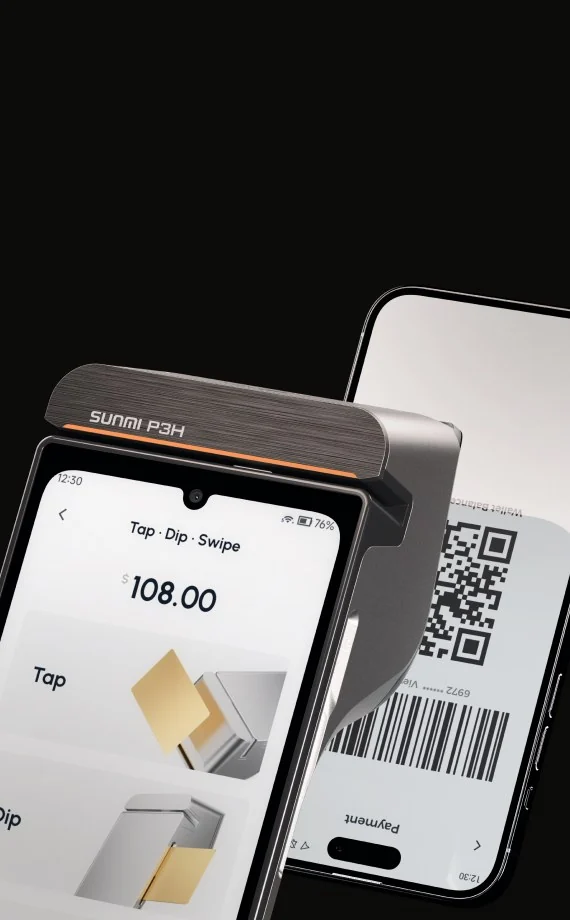
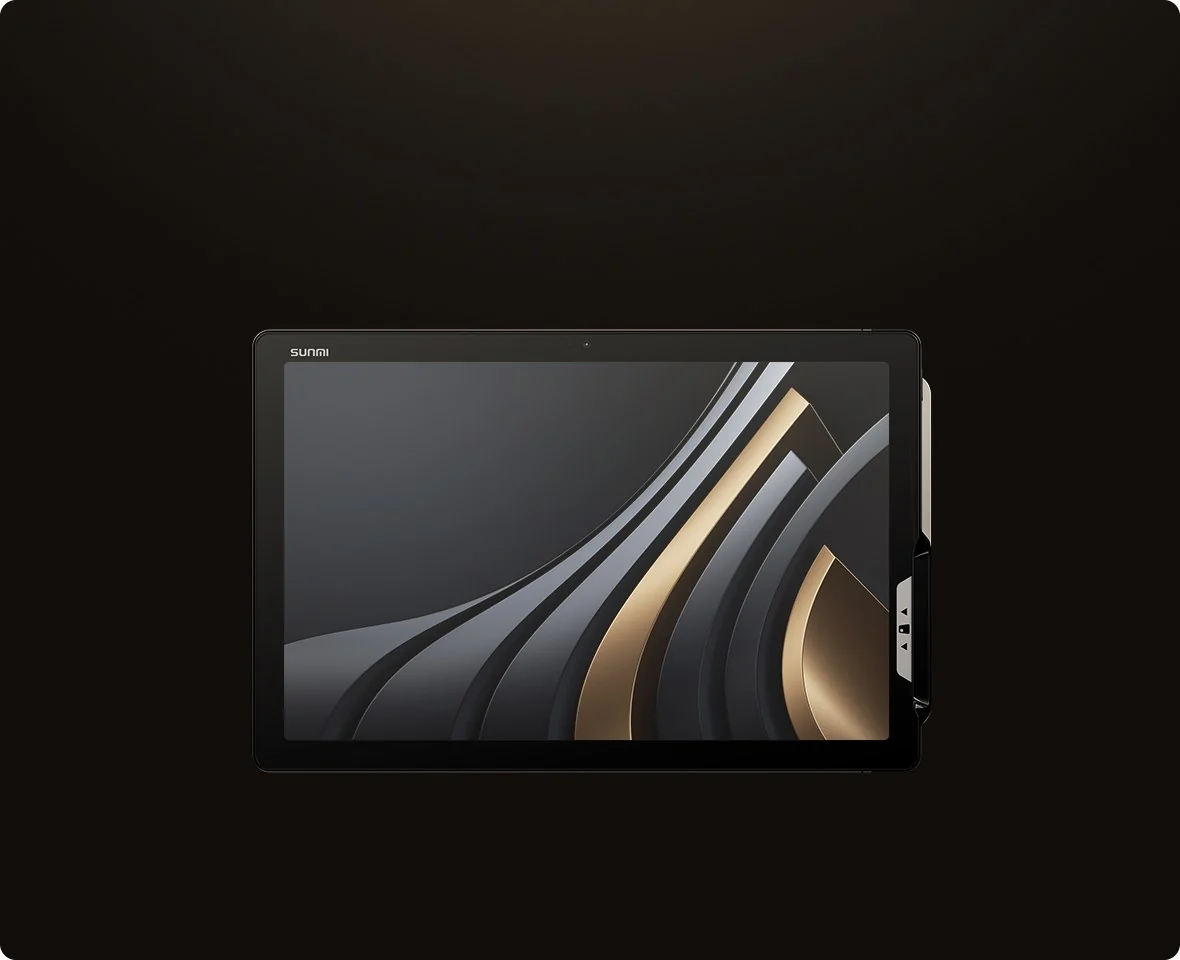
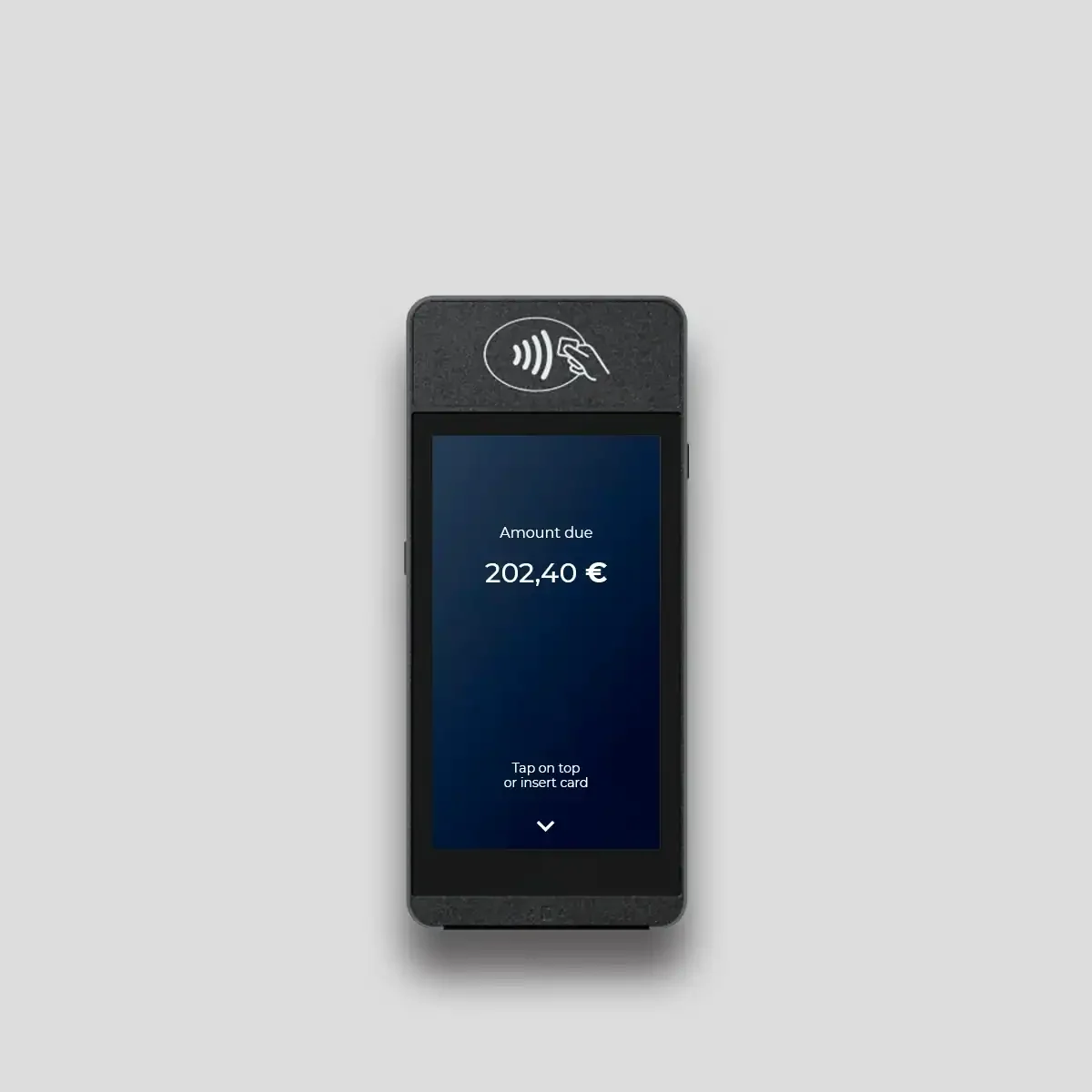
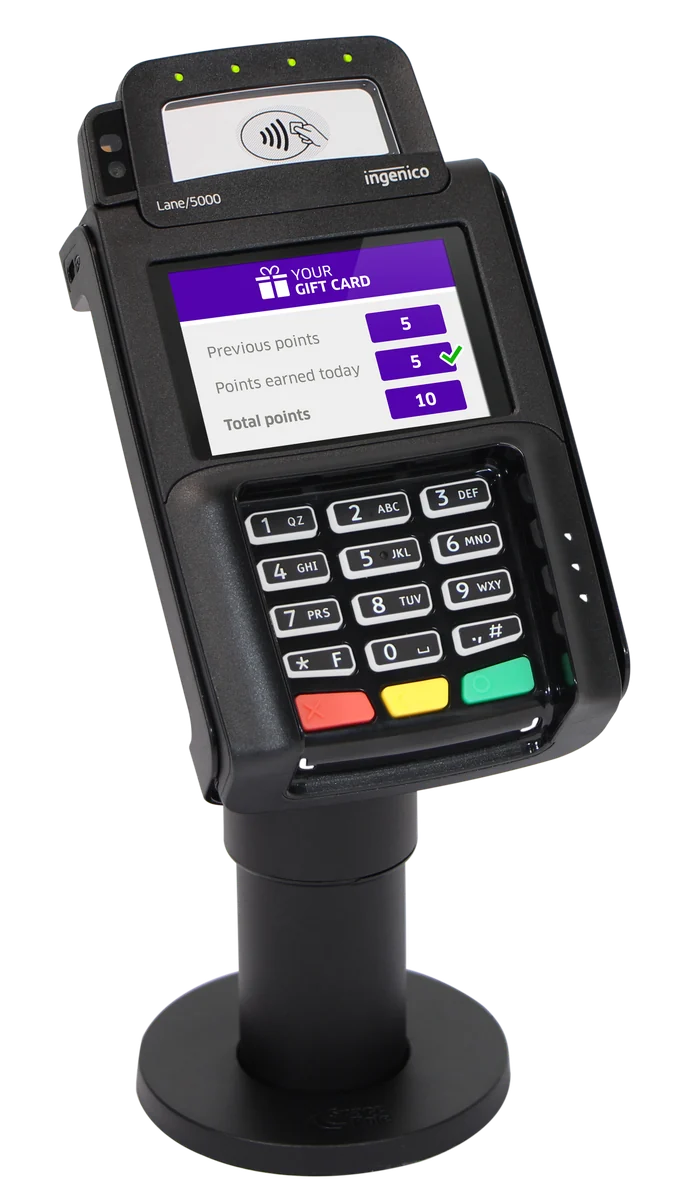
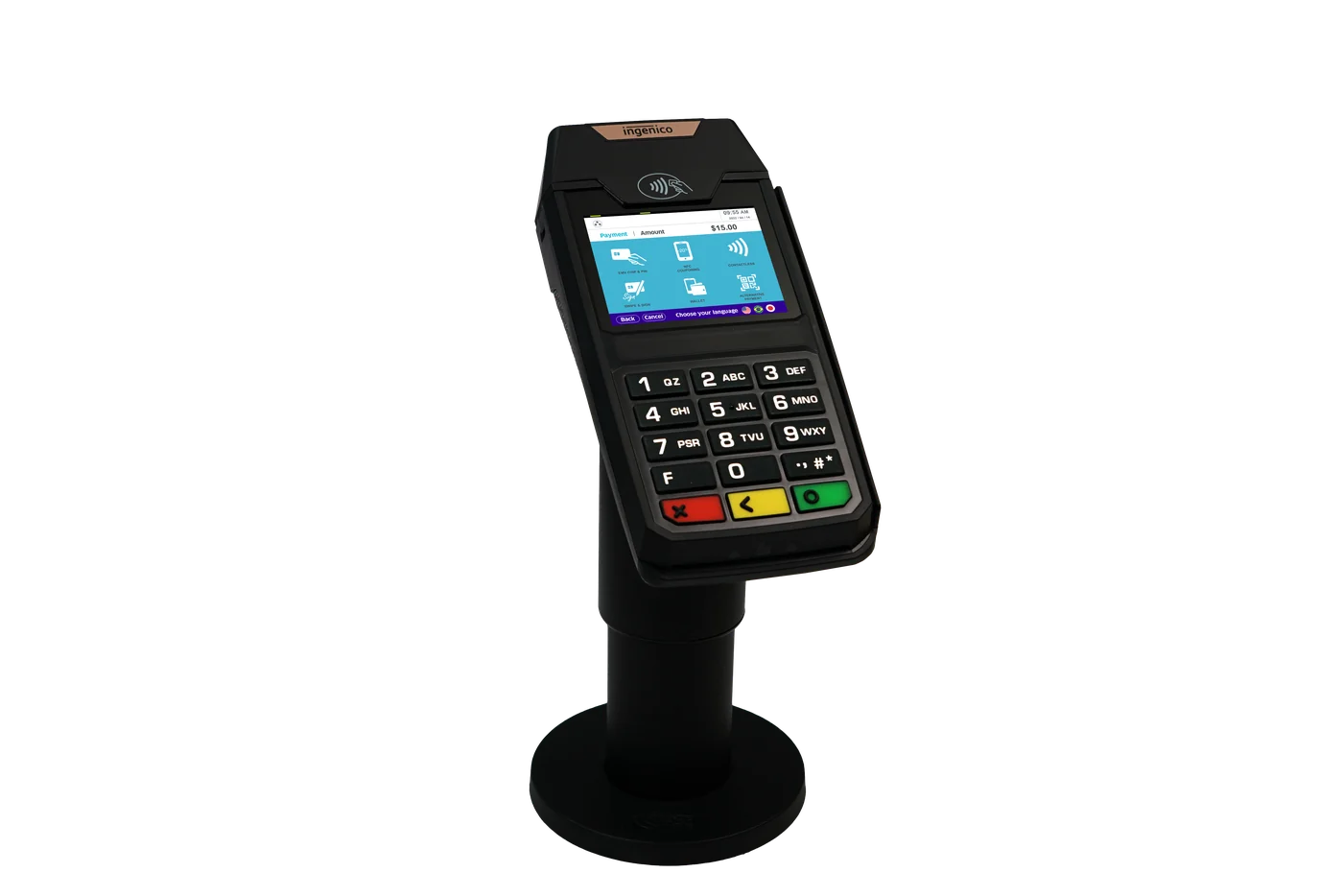
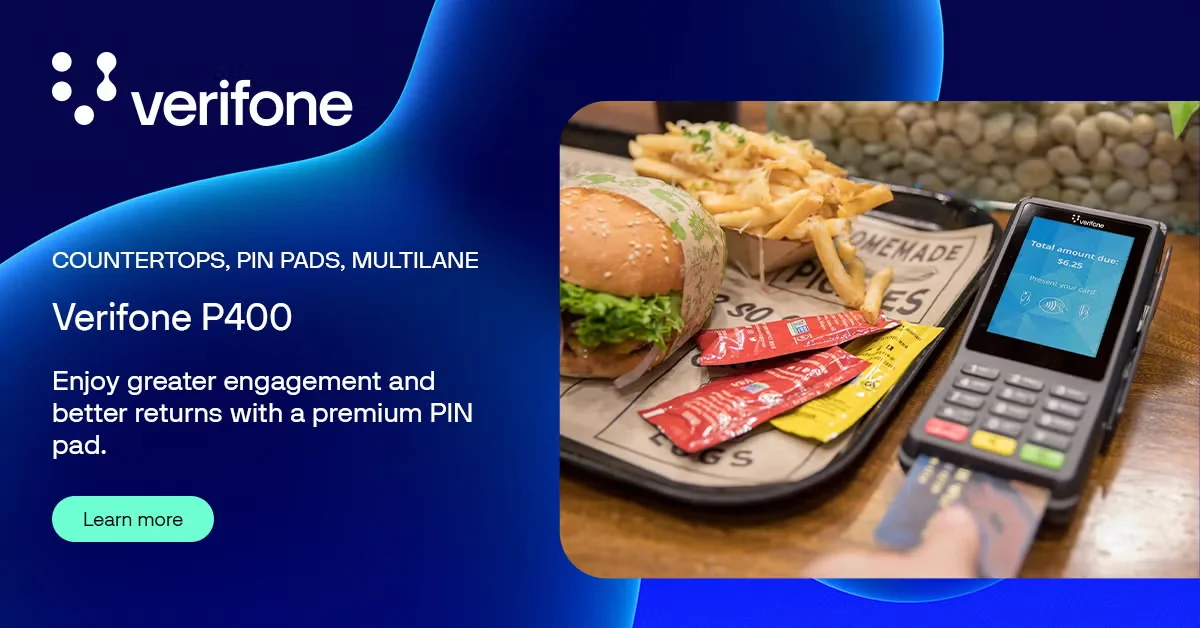
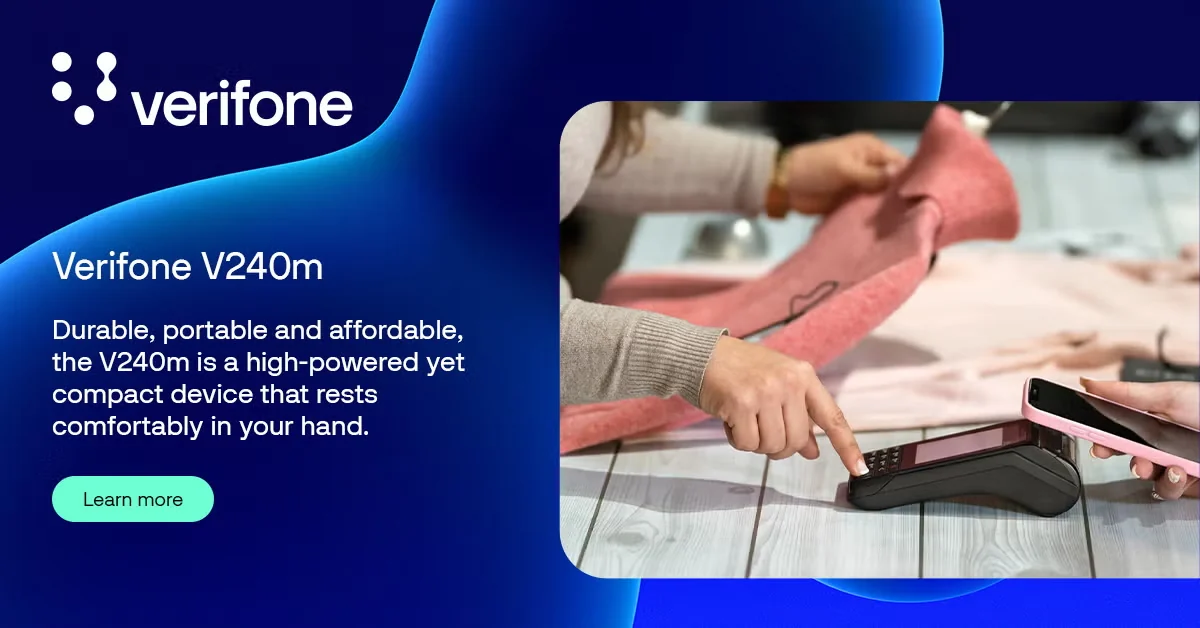
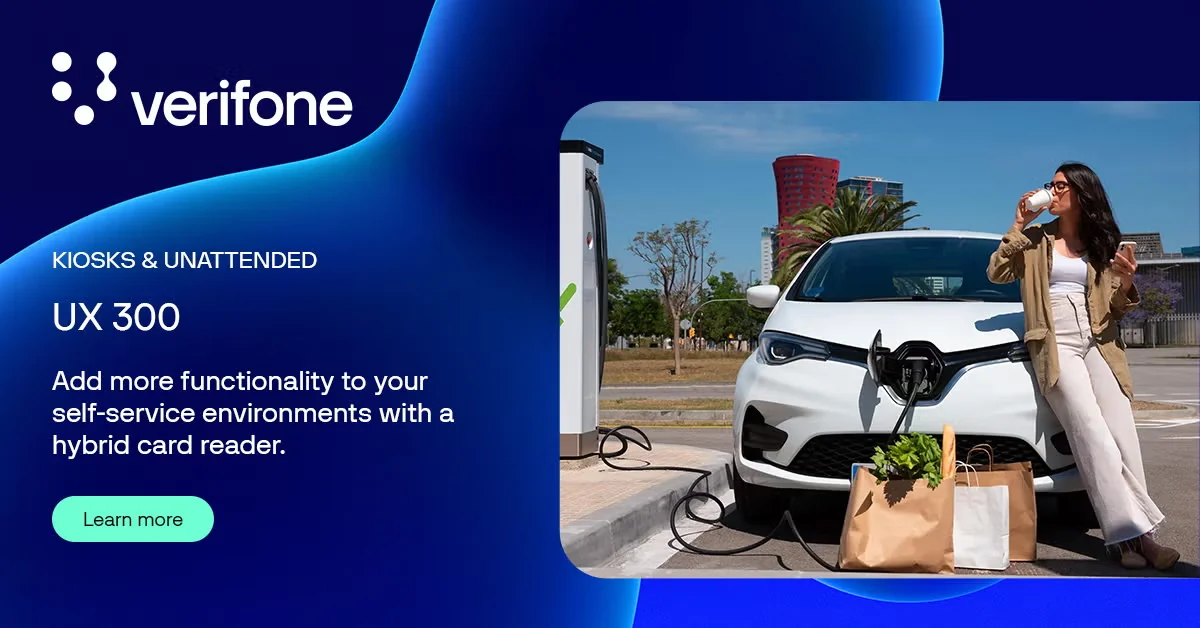
Explore terminal examples from PAX, SUNMI, Castles, Ingenico and Verifone. JEK confirms model, firmware and payment application compatibility during integration.


Other terminal estate
Talk to JEK about compatibility for additional NFC terminal models and payment applications.
How integration works
From terminal configuration to merchant rollout
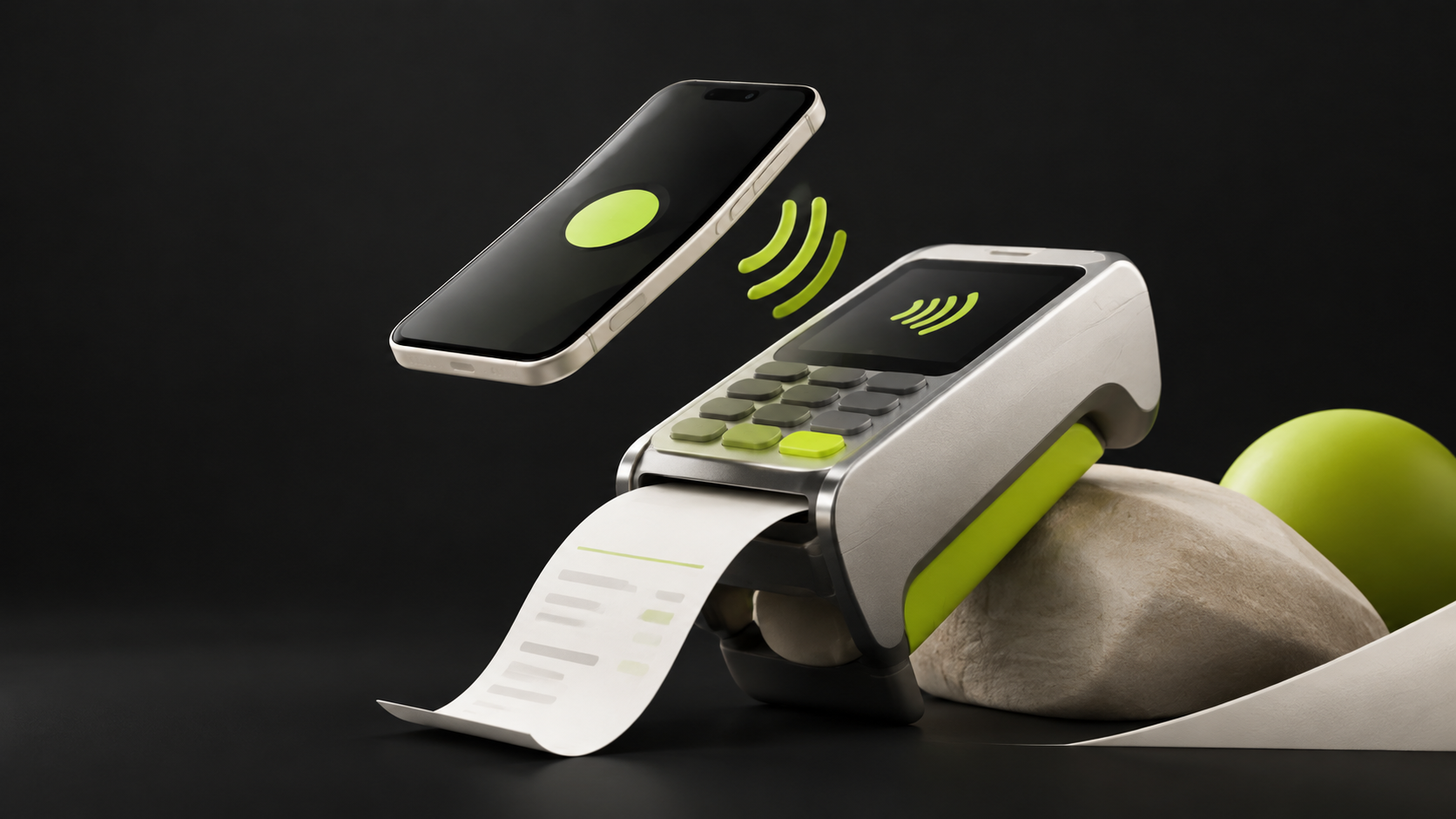
JEK works with your team to configure, test and certify the experience before it reaches shoppers.
01
Plan the integration
Share your terminal models, firmware, payment application and target merchant markets with JEK.
02
Enable JEK eReceipt
Add the JEK eReceipt configuration to your terminal payment application using the onboarding details supplied by JEK.
03
Certify the full journey
Test pass recognition, payment completion, digital-receipt matching and JeKoin earning, including transactions without a JEK eReceipt.
04
Roll out to merchants
Deploy the certified configuration to participating merchant terminals and coordinate ongoing support with JEK.
Built to work alongside payments
Your payment flow stays yours
JEK adds pass recognition and rewards without replacing your payment processing or authorization.
Your payment services provider
Continues to authorize and process the contactless transaction.

The JEK layer
Recognizes JEK eReceipt, connects the digital receipt and updates JeKoin for eligible purchases.
What the terminal needs
A practical compatibility checklist
- Contactless NFC payments
- JEK eReceipt recognition capability
- Compatible model, firmware and payment application
- Transaction identifiers for receipt and reward matching
Google Smart Tap is also available for supported Google Wallet integrations.
Ready to connect your terminals?
Tell us your terminal models, payment application and target markets. The JEK team will guide the integration and certification.